Sign PDF
Sign PDF documents right in your browser. Draw, type or upload your signature, place it on the page and download the file. The PDF never leaves your device.
How to sign PDF online
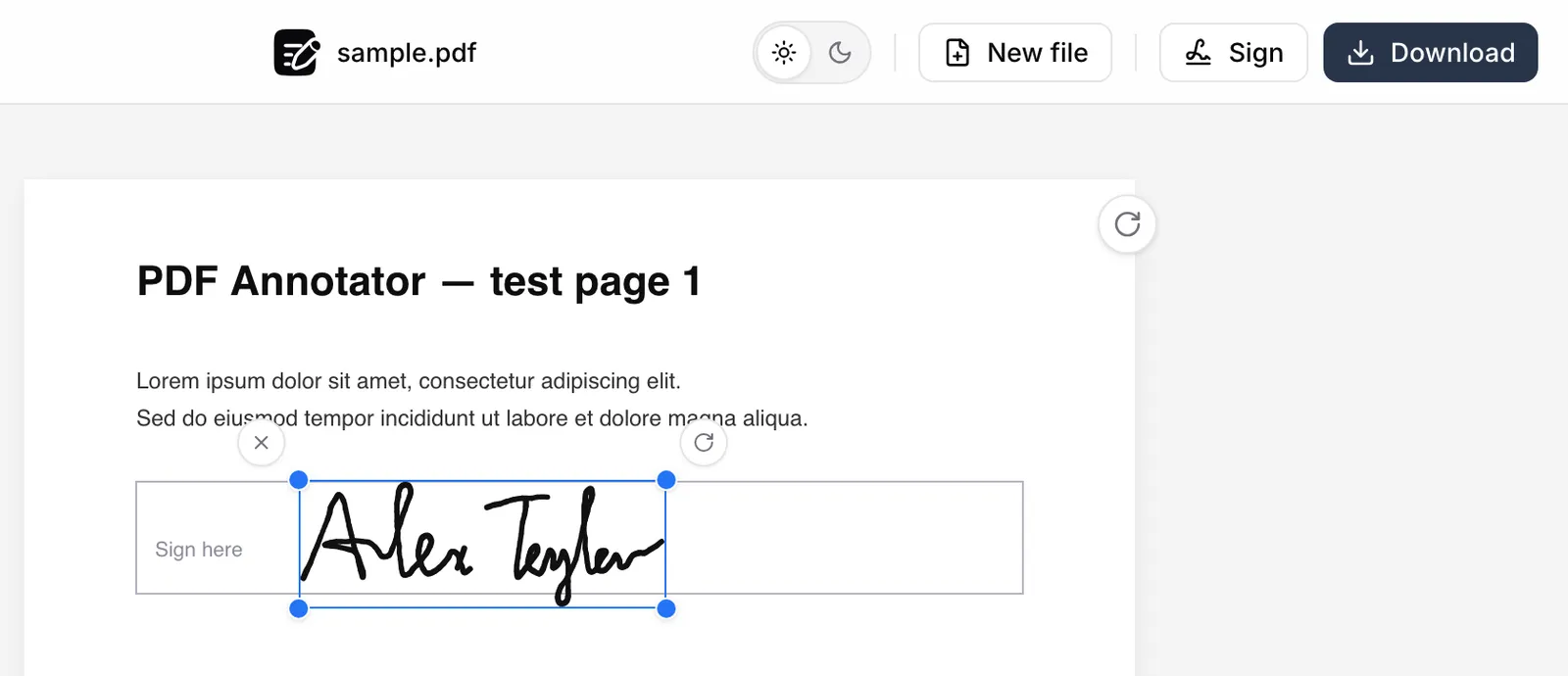
Signing takes four steps:
- Open a PDF of up to 50 MB.
- Click Sign in the top bar, or press S.
- Create your signature and click Insert signature.
- Drag it into place, pull a corner to resize, then click Download.
Your work is kept in the browser, so closing the tab doesn't lose it.
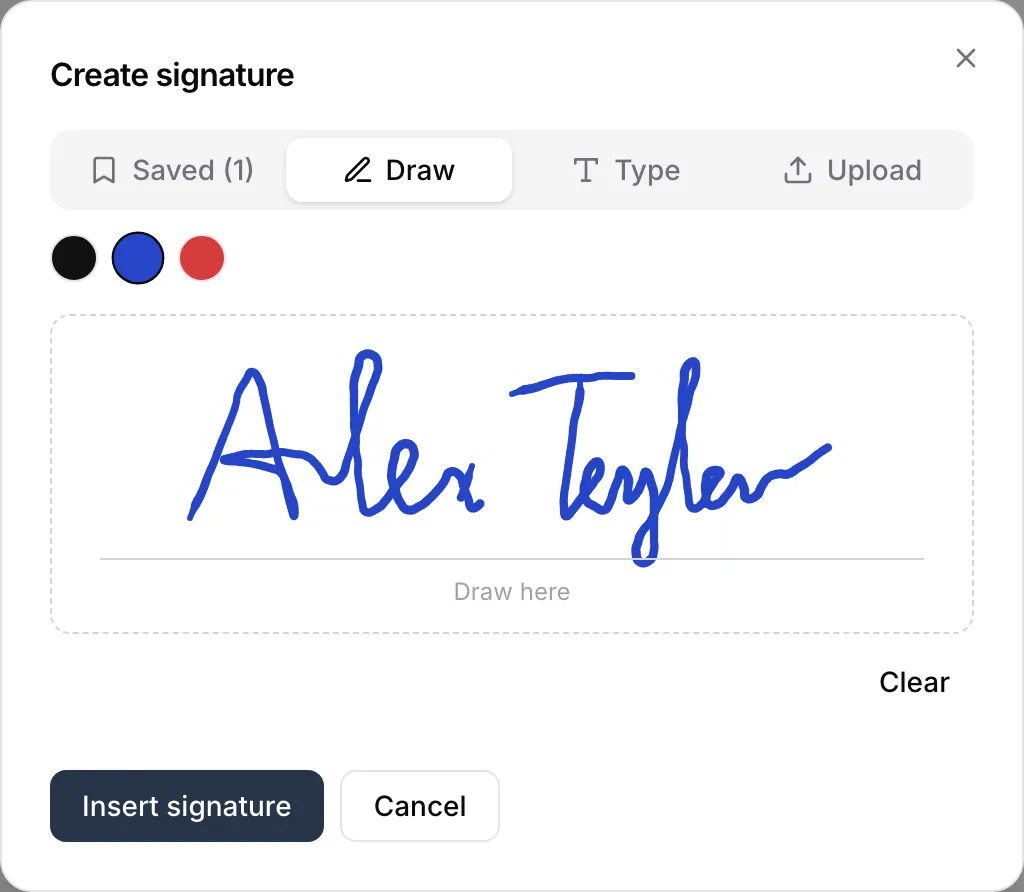
Three ways to add a signature to PDF pages
The Sign dialog has a tab for each:
- Draw — draw your signature on the PDF with a mouse, trackpad or finger.
- Type — type your name and it appears in a handwriting-style font.
- Upload — use a photo or scan of your paper signature (PNG, JPEG or WebP).
Pick black, blue or red ink for any of them.
Use a photo of your paper signature
Sign a sheet of paper, photograph it and drop the photo into the Upload tab. Clean up background is on by default: it removes the paper and keeps the ink.
Your PDF signature lands without a white box around it. Crop trims the photo.
Sign the next PDF in one click
Every new signature is saved in this browser. Next time you need to insert a signature in a PDF, open the Saved tab and click it.
Esign PDF files without uploading them
The PDF is opened and signed inside your browser tab. Nothing is sent to a server. You can sign a PDF online free, with no account and no watermark.
An image of a signature, not a certificate
The signature goes into the PDF as an image of your handwriting. No certificate, identity check or audit trail is attached to it.
If a bank, court or government portal asks for a certificate-based signature, use a dedicated e-signing service.
Related tools
Need a date or your printed name next to the signature? Write on PDF. Filling in a form before you sign it? Use Fill PDF form online. To highlight or draw, go back to the main annotator.